It’s finally here. NSX-T 3.0 adds support for Active Directory identity sources to be used with NSX-T role-based access control. This will make life a little easier for many customers.
Previously, a separate VMware Identity Manager (vIDM) virtual appliance was required to be able to map Active Directory users and groups to NSX-T roles. Now that this can be done natively within the NSX-T Management Plane I expect customers will be decommissioning their single-purpose vIDM appliances sooner rather than later.
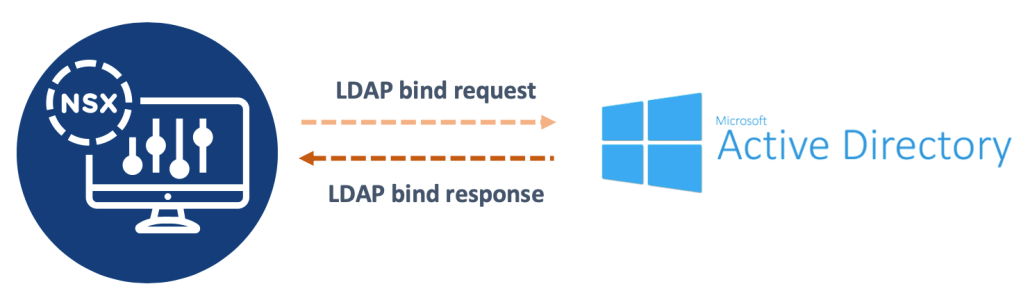
When I was asked to configure this new integration for a customer and also document the configuration process, I decided to do these two things at the same time by writing the documentation in JSON and let the NSX-T API do the actual configuring for me.
Inspired by that small task, today’s article walks through setting up NSX-T role-based access control and an Active Directory identity source with just some lines of JSON code and the NSX-T API.
The environment
For this exercise I created two global security groups in my demo.local Active Directory:
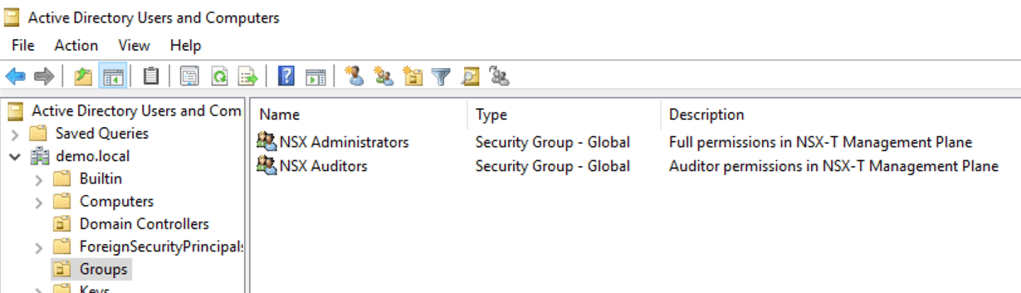
Members of the NSX Administrators AD group should be assigned the Enterprise Admin role in NSX-T and members of the NSX Auditors AD group should be assigned the NSX-T Auditor role.
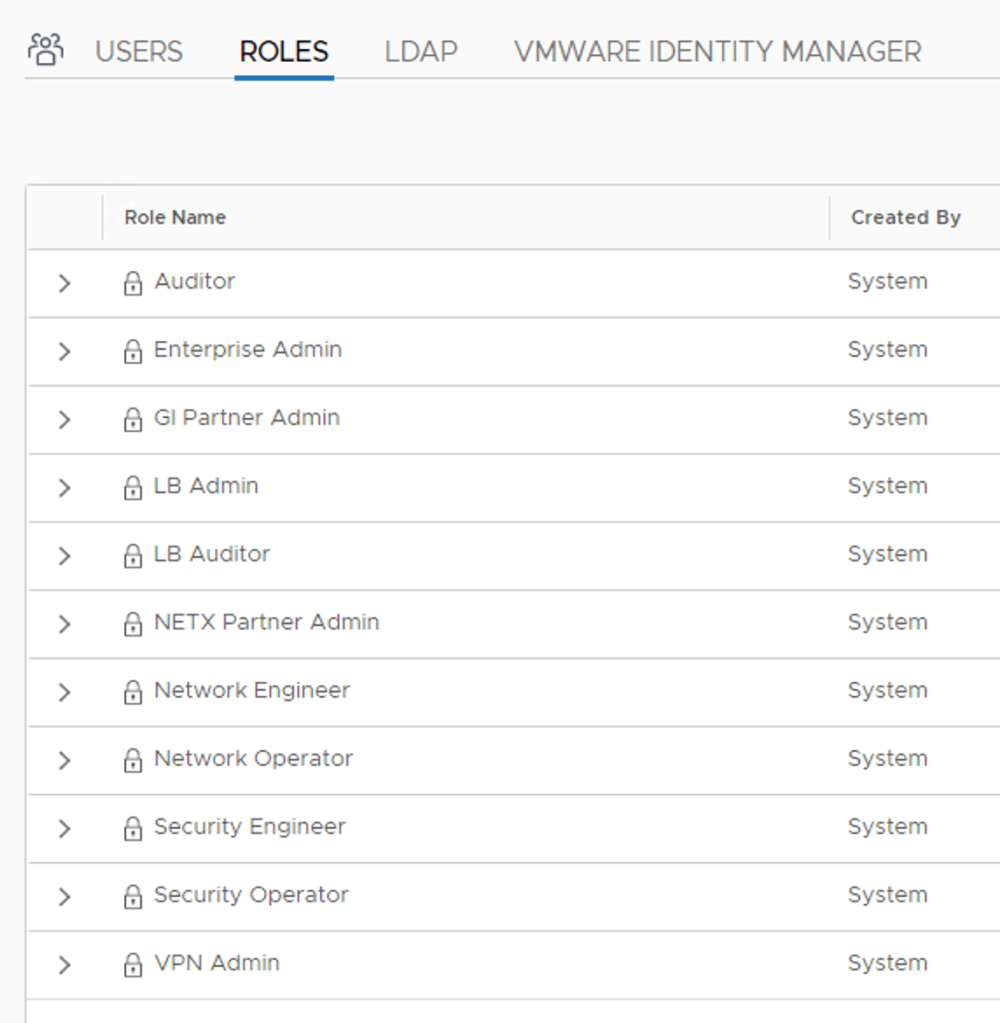
Step 1 – Add AD identity source
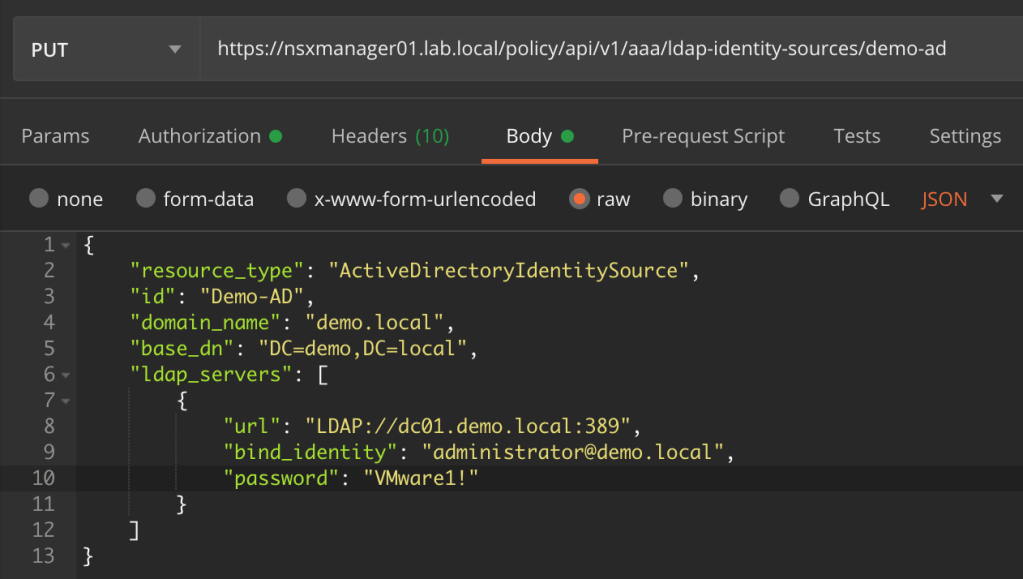
First we add the Active Directory identity source. In my environment the identity source configuration in JSON format looks like this:
{
    "resource_type": "ActiveDirectoryIdentitySource",
    "id": "demo-ad",
    "domain_name": "demo.local",
    "base_dn": "DC=demo,DC=local",
    "ldap_servers": [
        {
            "url": "LDAP://dc01.demo.local:389",
            "bind_identity": "administrator@demo.local",
            "password": "VMware1!"
        }
    ]
}
We then send this code as the body of a PUT request to the NSX-T API:
PUT https://nsxmanager01.lab.local/policy/api/v1/aaa/ldap-identity-sources/demo-ad
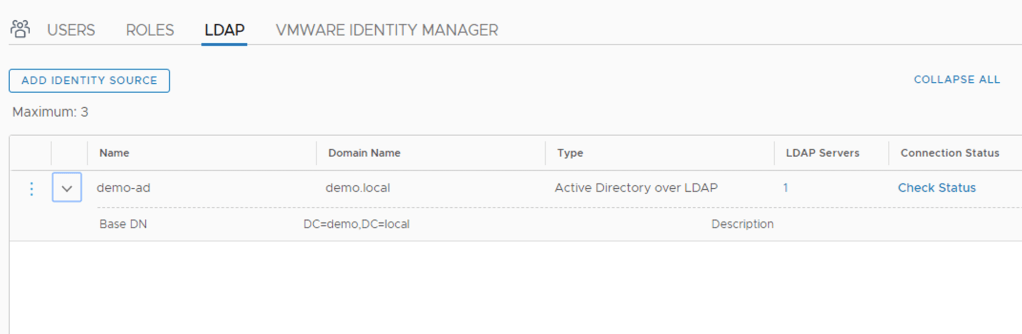
A look in NSX Manager shows us that the AD identity source is now in place:
Step 2 – Configure role bindings
The next step is to configure the role bindings. This is where we tie the Active Directory users and groups to NSX-T roles.
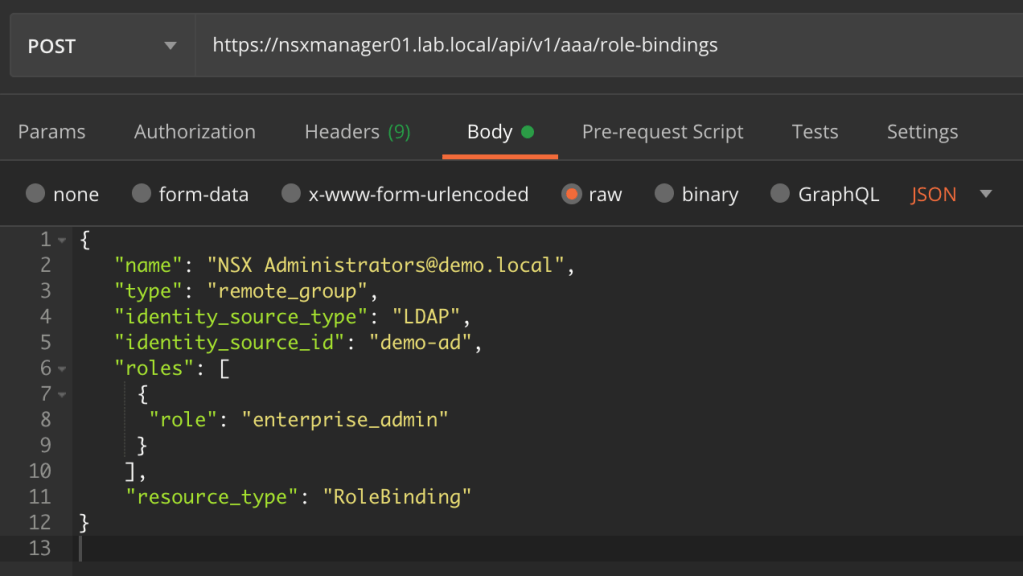
The JSON code for the Enterprise Admin role binding looks like this:
{
   "name": "NSX Administrators@demo.local",
   "type": "remote_group",
   "identity_source_type": "LDAP",
   "identity_source_id": "demo-ad",
   "roles": [
     {
      "role": "enterprise_admin"
     }
    ],
    "resource_type": "RoleBinding"
}
And the JSON code for the Auditor role binding looks like this:
{
   "name": "NSX Auditors@demo.local",
   "type": "remote_group",
   "identity_source_type": "LDAP",
   "identity_source_id": "demo-ad",
   "roles": [
     {
      "role": "auditors"
     }
    ],
    "resource_type": "RoleBinding"
}
These pieces of code are sent in two separate POST requests to:
POST https://nsxmanager01.lab.local/api/v1/aaa/role-bindings
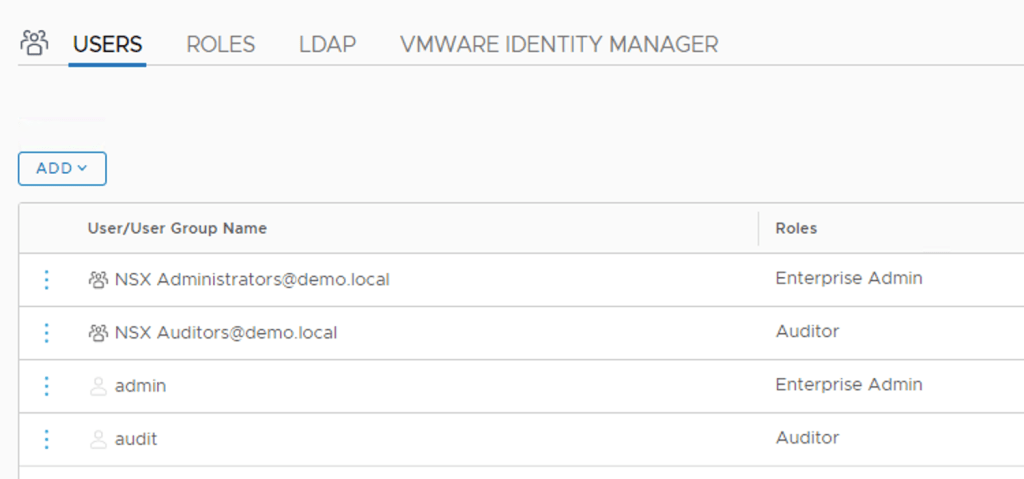
Looking in NSX Manager we can see that the role bindings are in place:
Step 3 – Verify NSX-T RBAC
Let’s see if we can authenticate to the NSX-T Management Plane using an AD account that is member of the NSX Auditors security group:
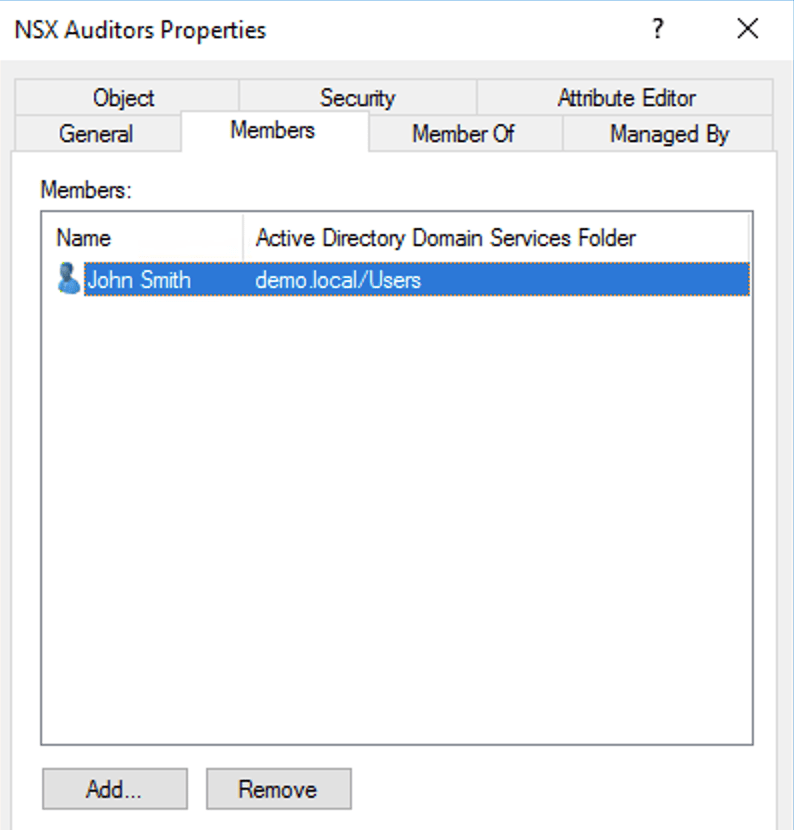
Logging in to the NSX Manager UI as John Smith:
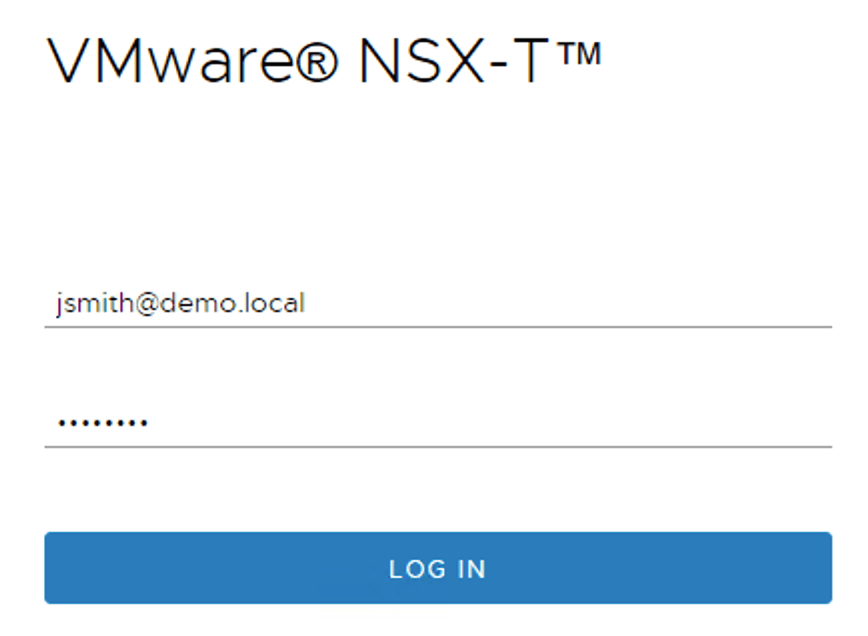
After logging in, I’m trying to reset the distributed firewall rules stats and receive the following message:
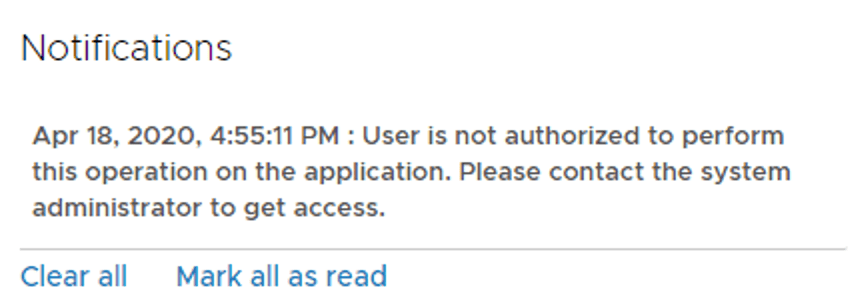
Working as intended. A user account that is assigned the NSX-T Auditor role has only read permissions and can therefore not make any changes. Role-based access control in action!
AD accounts (with permissions) can authenticate to the NSX-T API by specifying their AD UPN (username@domain) and password:
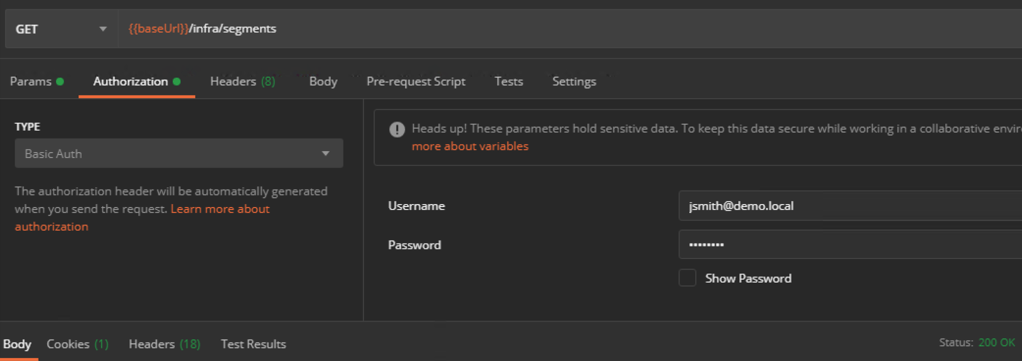
AD accounts can also be used as “service accounts” when connecting other solutions to the NSX-T Management Plane:
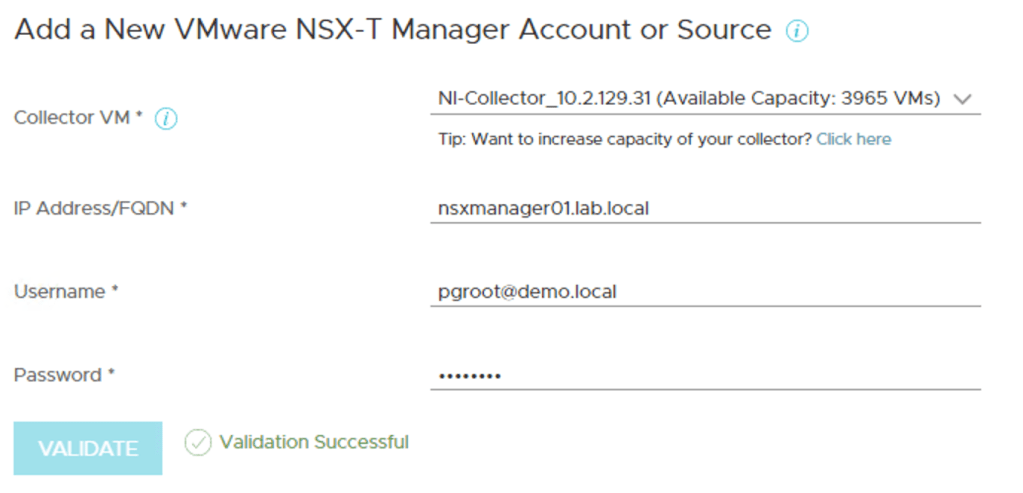
Summary
No problems here. Configuring and using an Active Directory identity source for NSX-T role-based access control is as straightforward as it should be. As always, using code and leveraging the NSX-T API means speed and consistency and creates documentation in the process.
Thanks for reading.


 rutgerblom.com
Leave a reply to rutgerblom Cancel reply